
Player Manager
View every player's inventory, ender chest, statistics, position and map from the RealisticNode panel. Change game mode, teleport, heal, op, whitelist or ban players.
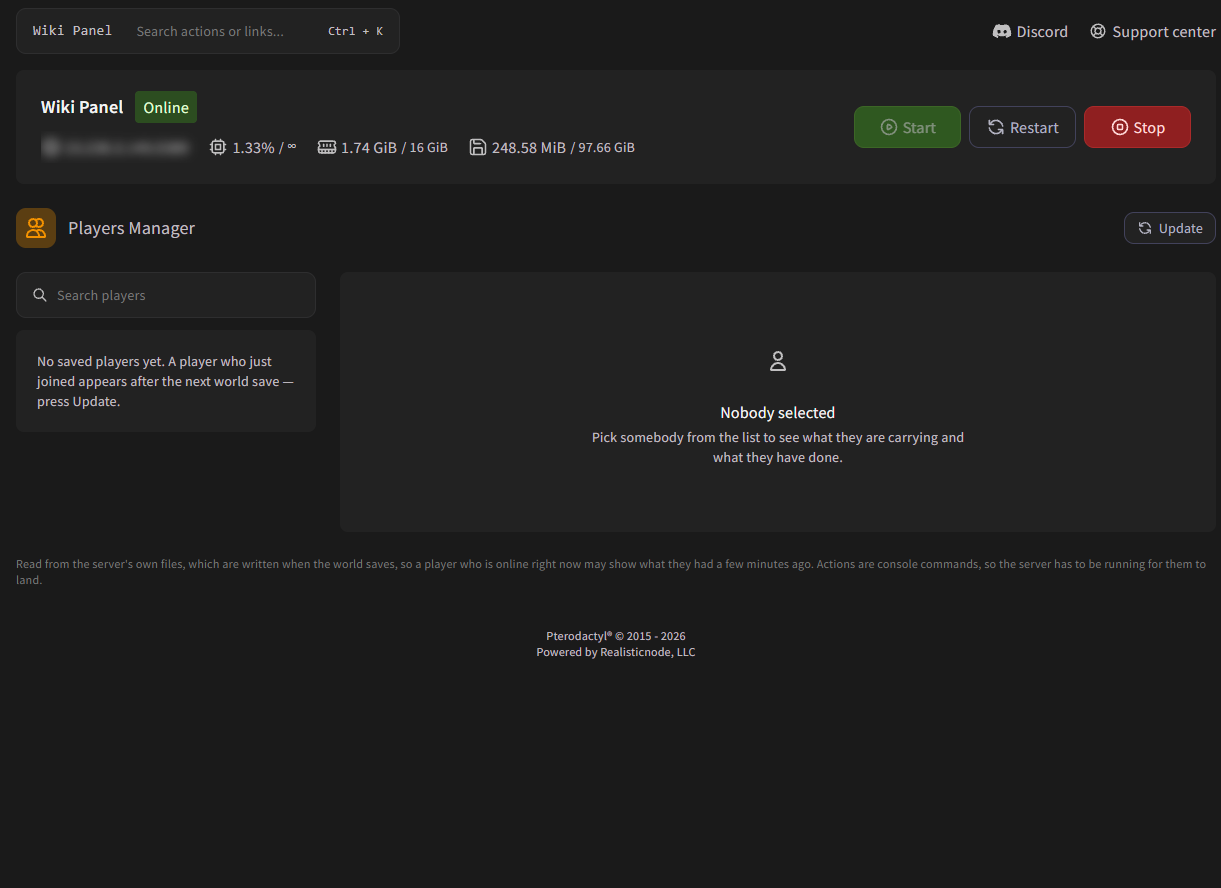
The Player Manager shows every player who has played on your Minecraft Java server: what they carry, where they are, their statistics and a map of their area. You can also op, whitelist, ban, heal or teleport them without typing commands.
How it works
The Player Manager reads your world's save files. That means:
- It lists everyone who has ever been saved on the world, not only who is online now.
- A player who just joined appears after the next world save. Click Update to save the world and reload the list.
- The data of an online player can be a few minutes old.
- Actions are sent as console commands, so the server must be running for them to work.
Find a player
Type a name or UUID in Search players and click the player. The details page shows:
- Mode, Dimension and Total XP, plus their health, hunger and armor.
- Inventory, armor and off-hand. Click the ender chest slot to switch between Show ender chest and Show inventory.
- Statistics: play time, deaths, mob and player kills, distance, jumps, damage, fish caught, trades and top mined, used, crafted and killed items.
- Open map: a top-down map of the area around the player. Use the zoom buttons to see 128, 256 or 512 blocks.
Player actions
| Control | What it does |
|---|---|
| Default game mode | Changes the player's game mode (Survival, Creative, Adventure, Spectator). |
| Experience levels | Adds, removes or sets XP levels. |
| Heal / Feed / Starve / Kill | Restores health, fills or empties hunger, or kills the player. |
| Operator | Gives or removes operator (admin) powers. |
| Whitelisted | Adds or removes the player from the whitelist. |
| Banned | Bans or pardons the player. |
| Teleport | Teleports the player to the X/Y/Z and dimension you enter, to their Respawn point or to their Last death location. |
Game mode, XP, heal, feed, kill and teleport only work while the player is online. Operator, whitelist and ban work for offline players too.
Delete player data
In the danger zone, Delete player data resets a player: their inventory, ender chest, position, XP, statistics and advancements are deleted, and they join next time as a new player. They keep their op, ban and whitelist status. If they're online, they are kicked first. This can't be undone, so make a backup first.
Why is a player missing or shown as "Unknown"?
- They haven't been saved yet: click Update.
- The name couldn't be found (for example on offline-mode servers). Some actions are disabled until the player joins again.
- The Player Manager only works on Minecraft Java Edition.